
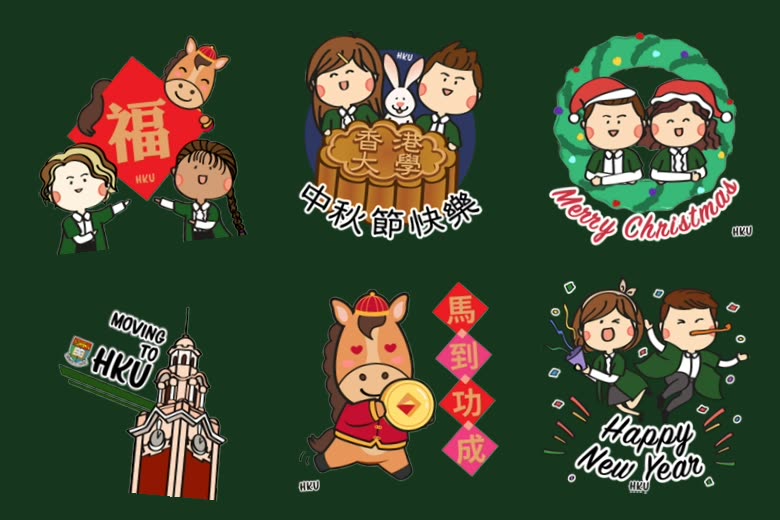
Pick a pack, celebrate as an HKUer.
Each pack is free to add. Availability varies by platform — the buttons show where each one lives. Open a pack to see every sticker in it.
Chinese New Year
Ring in the Year of the Horse as an HKUer — sixteen stickers of blessings, lion dances and lucky couplets.
Mid-Autumn Festival
Lanterns, mooncakes and the Main Building under a full moon — seventeen stickers for the Moon Festival.
Season’s Greetings
Celebrate Christmas and the new year as an HKUer, with an animated version for GIF apps.
Welcome to HKU
Made with the Admissions Office — share that you got in, and wear the offer with pride.
More on the way
The Multimedia Team adds new seasonal packs through the year. Check back around each festival.
Get HKU Stickers on your platform.
Native sticker packs where supported; animated GIFs everywhere else. Search “hkusticker” in most apps’ GIF or sticker tools.
Telegram & Signal
Open the pack link on your phone and the pack is added straight to your app — no account or download needed.
Open the Chinese New Year link on your phone; the WhatSticker bot walks you through adding the pack to WhatsApp.
Open the pack link in your WeChat app, or scan it from the sticker gallery, to add it to your emoticons.
Line
Open the pack link to go straight to the Line Sticker Shop — or search “hku” there and open the Creators tab.
Instagram, Facebook & Snapchat
In stories, timelines or comments, open the GIF or sticker tool and search “hku” or “hkusticker”.
Giphy & anywhere else
Any app with GIF support: search “hkusticker” in its GIF function to use the animated versions.
Pack links open on the platform that hosts them. On a desktop browser, open them on your phone instead — sticker packs install inside the messaging app.